Selling
Documents (Invoices and Quotations)
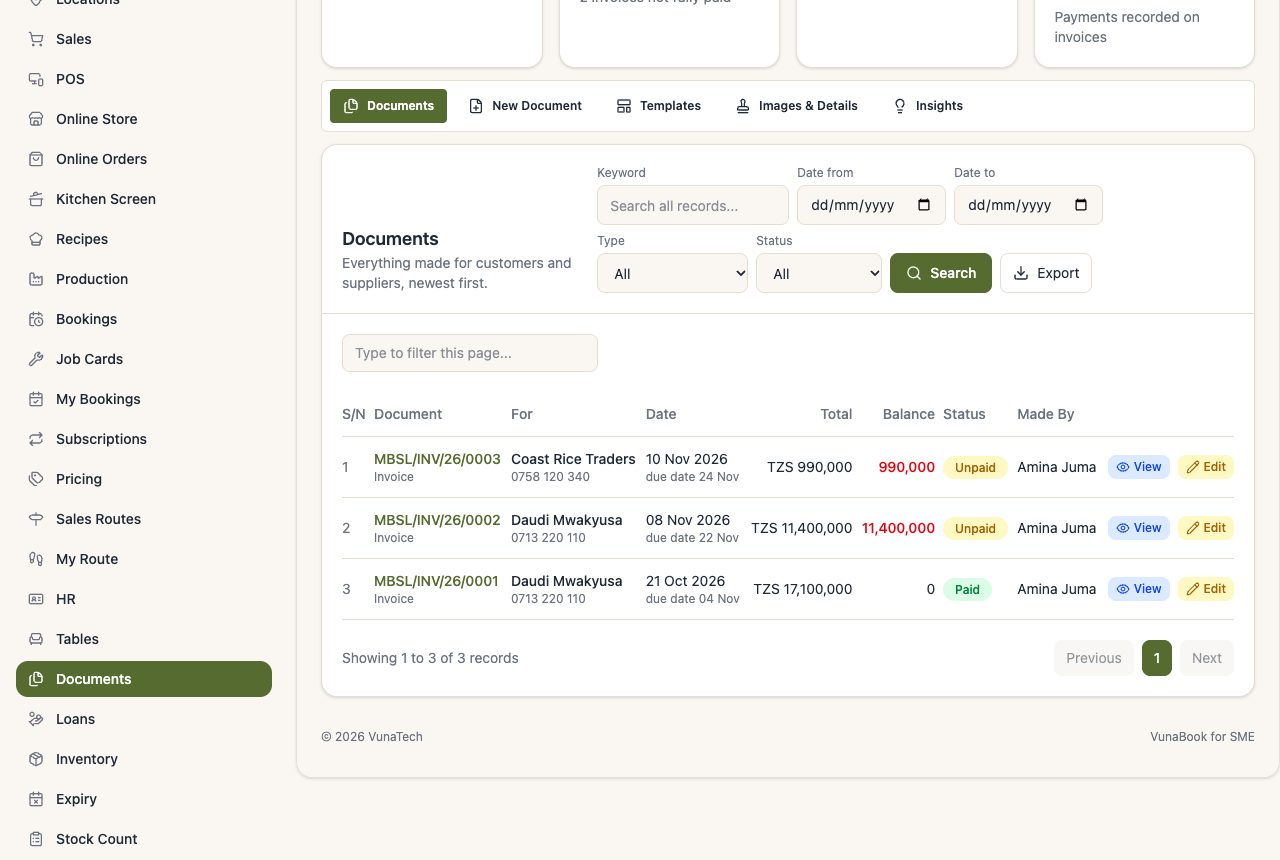
Invoices, quotations, receipts, delivery notes and more, printed with your own template.
Last updated 04 Nov 2026
Make a document
Documents → New Document: choose the type (invoice, quotation, proforma, receipt, delivery note ...), the customer, the lines and any sections of terms. VAT and discounts are worked out.
Payments on invoices
Open an invoice and record a payment (cash, mobile money, bank). Its status follows: Unpaid, Partially Paid, Paid. Overdue invoices appear in the morning alerts.
Templates and branding
- Templates: choose the layout of each type. Every template has a picture (click it to see it bigger), and the picture next to each type follows the template you pick.
- Images & Details: logo, stamp, signature, bank details and a watermark.
Stamp and signature
On each document, under Show on the Document, the Stamp, the Signature and the Signature line and who signs are three separate boxes. To send a soft copy straight to the customer with only your stamp, keep Stamp ticked and untick the other two.
Copy and convert
Turn a quotation into an invoice, or copy a document.
Project invoices and quotations from a BOQ are also made here (see Project Billing).